
Run your restaurant by asking
Rota, sales, checks and costs in one app, and a chat that answers from your own restaurant’s data.
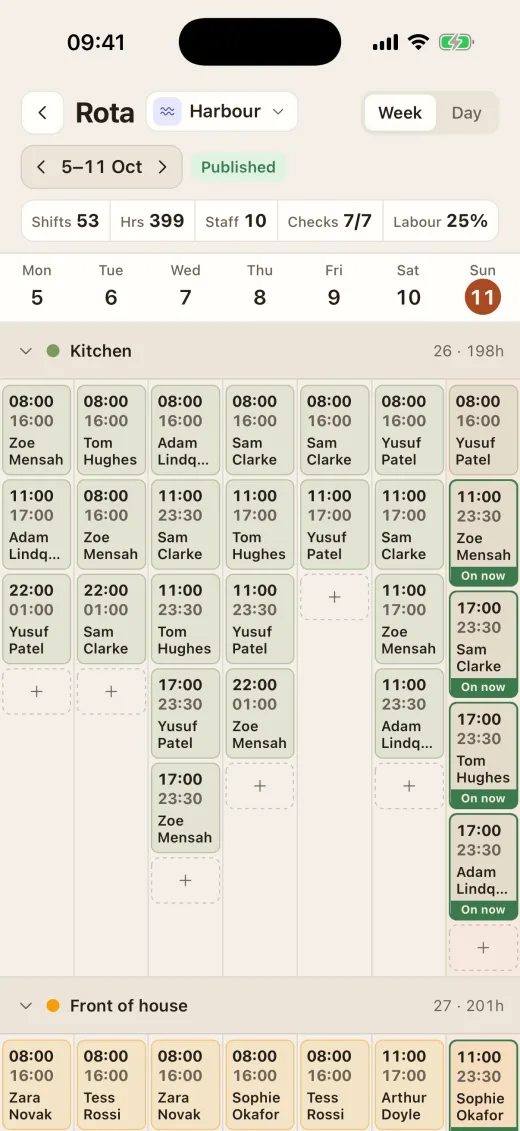
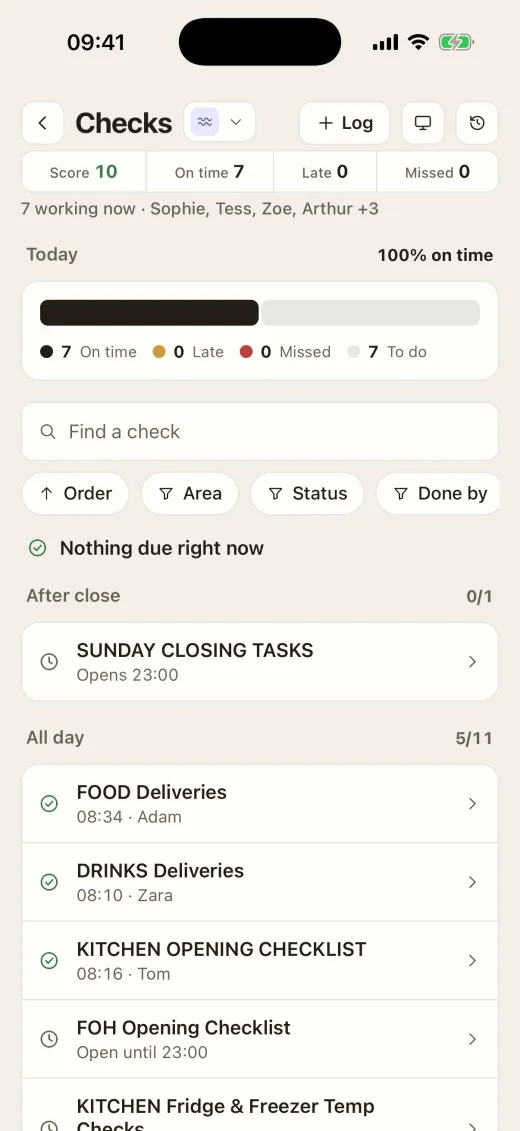
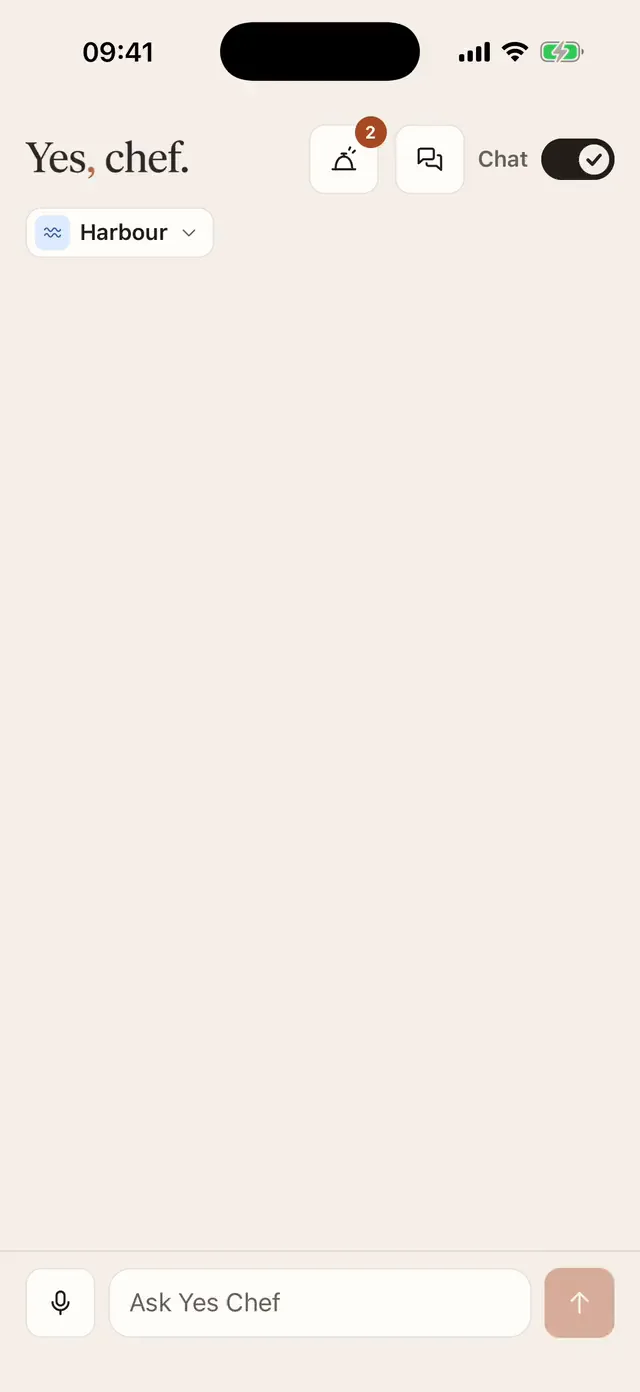
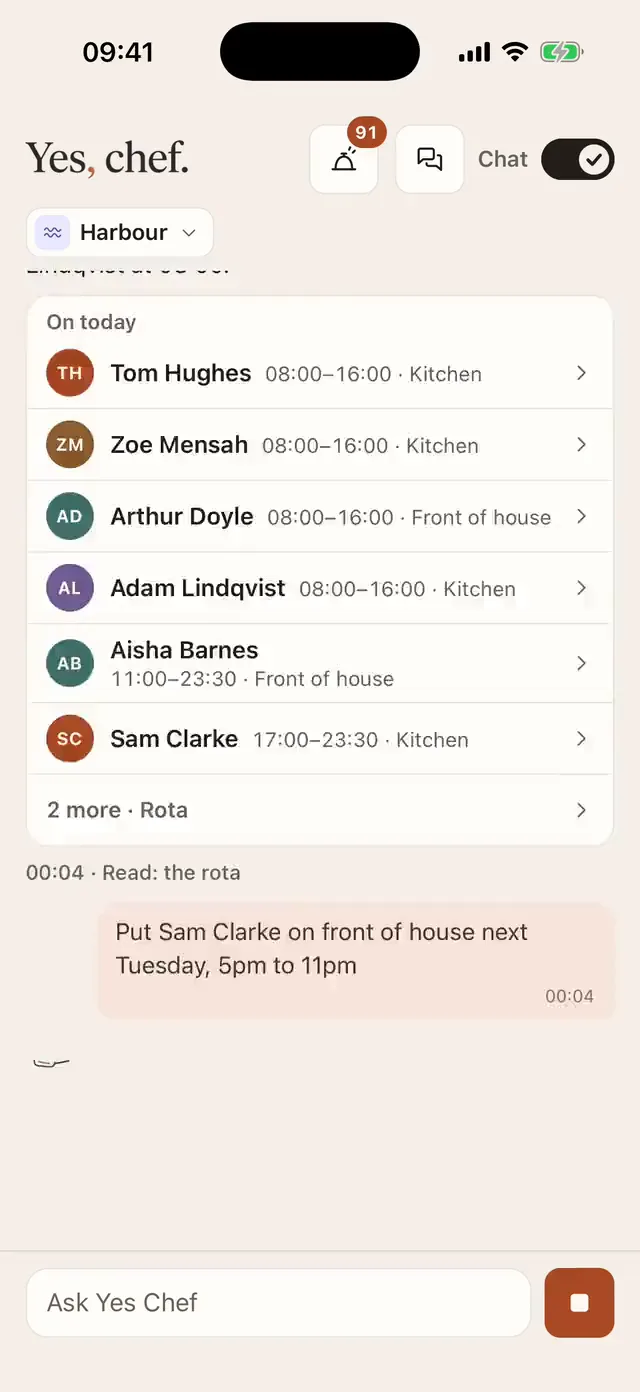
Watch it work
The real app on an iPhone, on a demo restaurant’s data.
How to: Ask it to do something
How to: Publish the rota
How to: Do a check on the phone
How to: Use Rota Insights
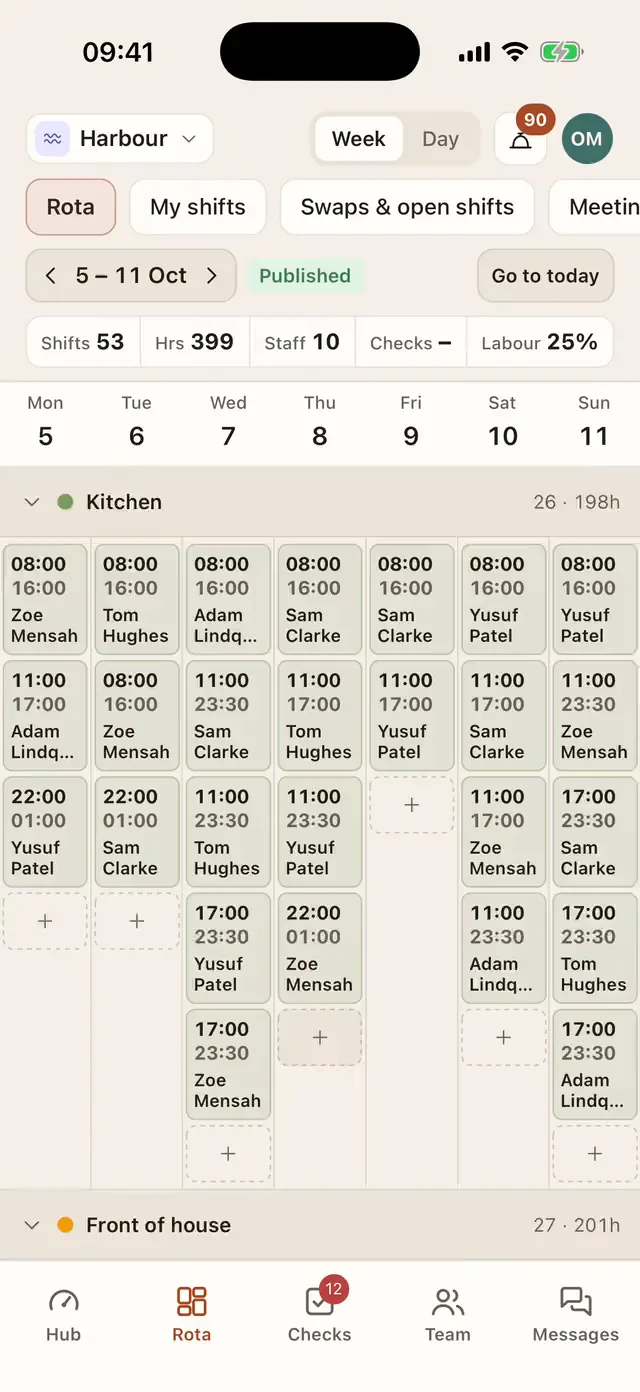
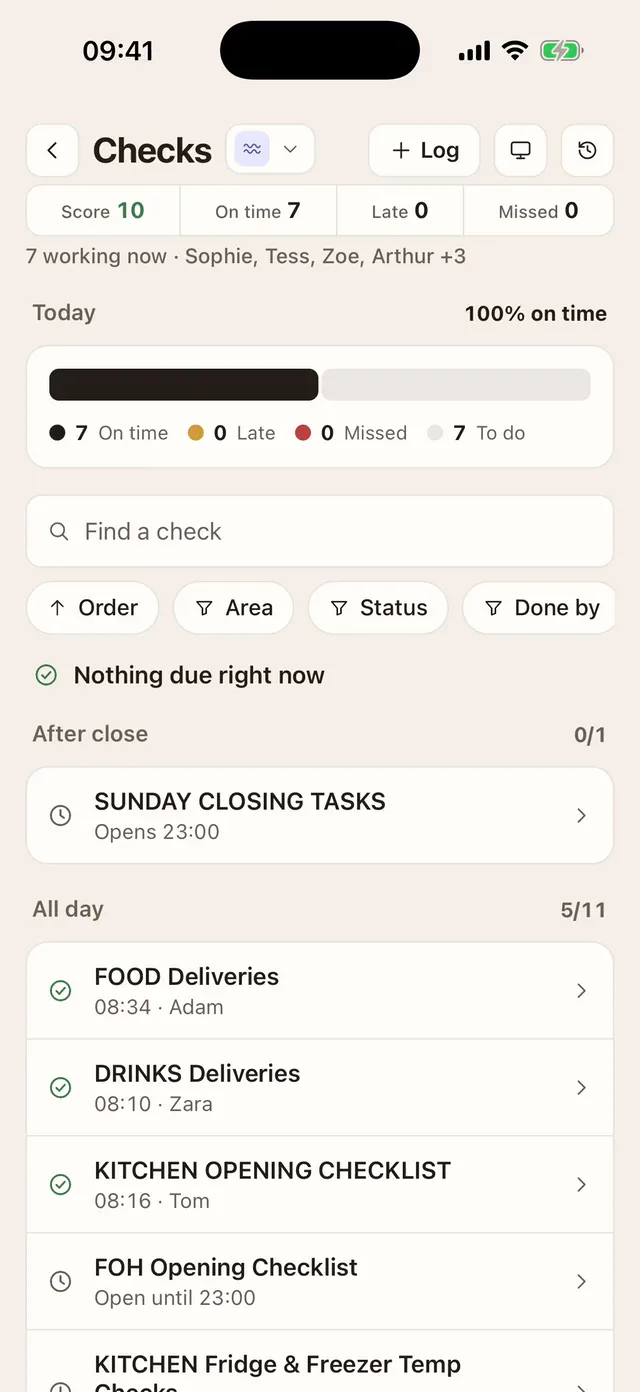
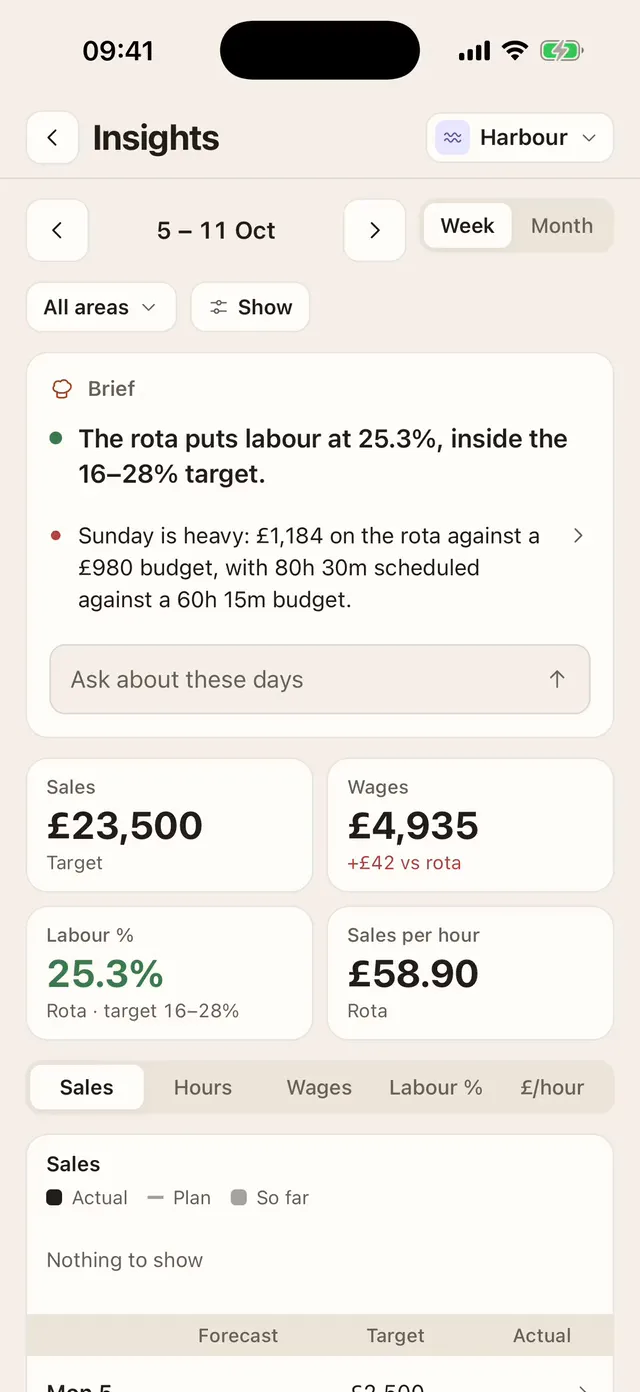
One app, in place of five
The rota app, the group chat, the paper check sheets, the till report and the spreadsheet. What is in it today:
Ask Yes Chef
- Answers from your own data
- Makes changes, with a confirm tap
- Web and iPhone
Rota and people
- Rota with labour cost
- Week templates
- Clock in and out
- Timesheets
- Time off and holiday
- Open shifts
- Team messaging
- Meetings
- Training
- Onboarding and probation
Checks
- Phone or shared tablet
- Timed, with who did it
- Incidents
- Equipment and repairs
- Inspector pack
Sales
- Live from a connected till
- Covers and spend per head
- Against last week or last year
- Labour %
- Menu sales
- Staff performance
Kitchen
- Menus
- Recipes
- Prep list
- Waste logging
- Kitchen wall screen
- Printed-menu designer
Tasks
- Boards and cards
- Your own task list
Coming soon, not in the app yet:Larder (stock), Orders (supplier ordering), The Pass.
Works with what you have. We move you over.
You don’t start from a blank screen. We do the set-up ourselves, with you: your sites, your people, your menu and your checks.
- Your till
- Sales come in live from SumUp POS Pro, the till we connect to today. From a Dines till, past sales have been brought in from its export. Connect a SumUp POS Pro till
- Connected by us
- Deputy
- From Deputy, we bring your people, rota, timesheets and leave across. Move from Deputy
- Brought across

A few restaurants at a time
Yes Chef is offered to a limited number of restaurants, and we set each one up ourselves. If you’d like it for yours, write to us.
- 1Get in touch
Tell us about your restaurant.
- 2We set you up
Sites, people, menu and checks.
- 3Your team joins
By invitation, on web or iPhone.
Every step is written down. Read the help centre